I regret not buying this sooner.
“Finally a blocker that is not easy to bypass. I regret not buying this sooner. It has improved my life drastically.”



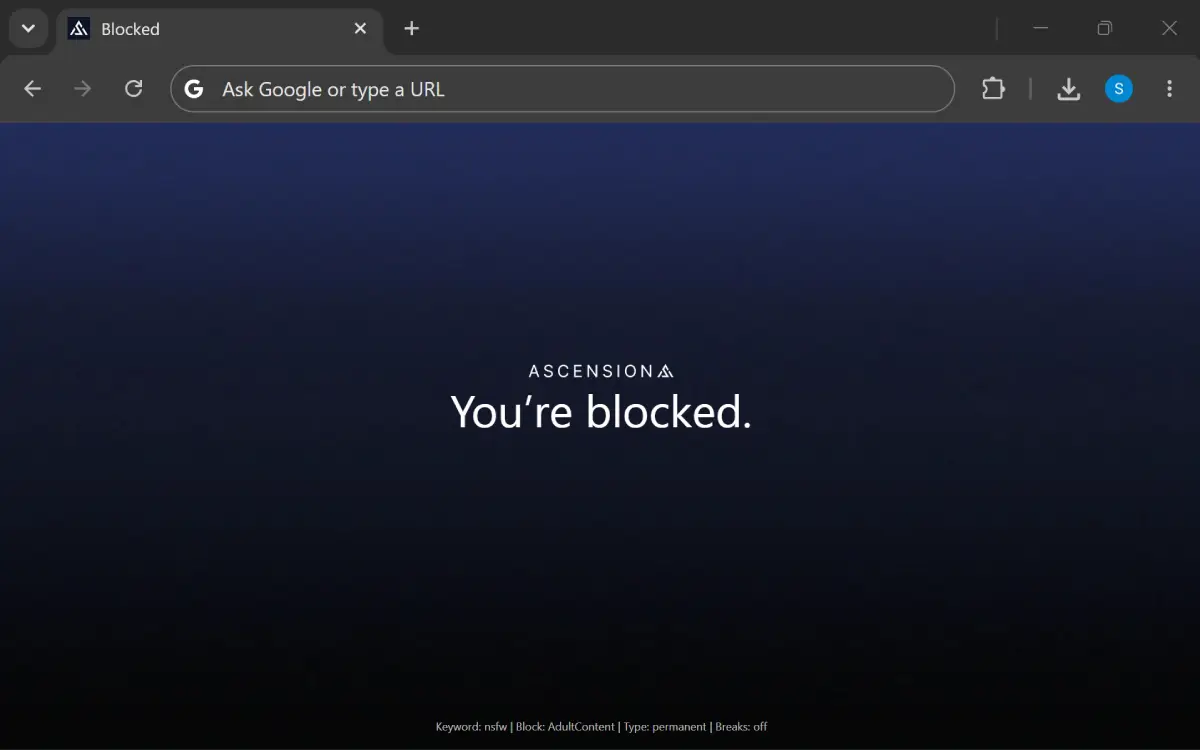
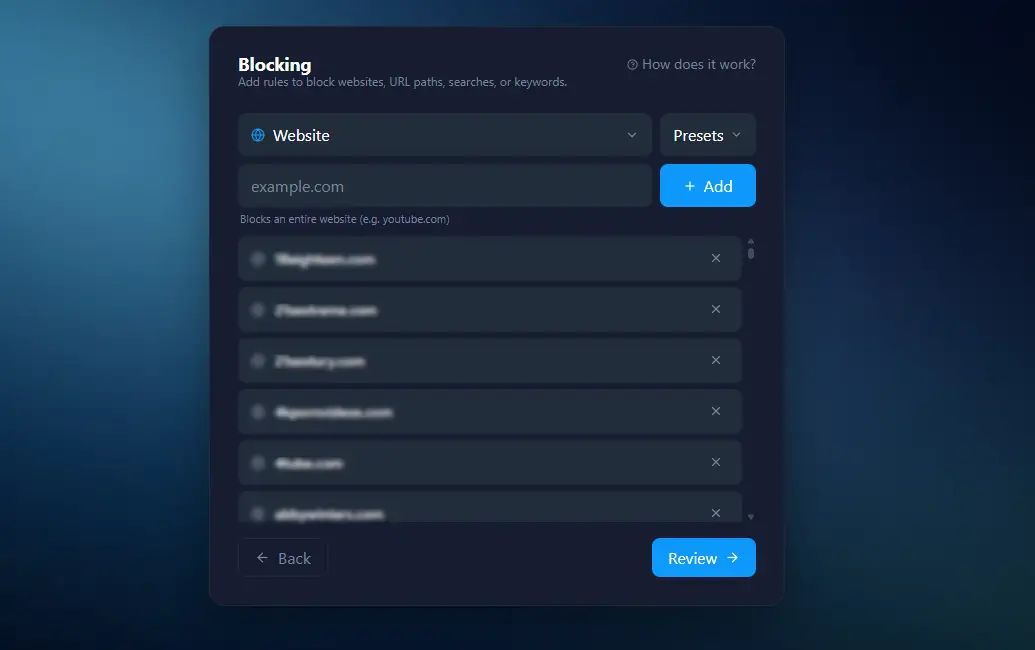
Block specific websites, URLs, search phrases or keywords. Use our Premade blocks or add your own lists.
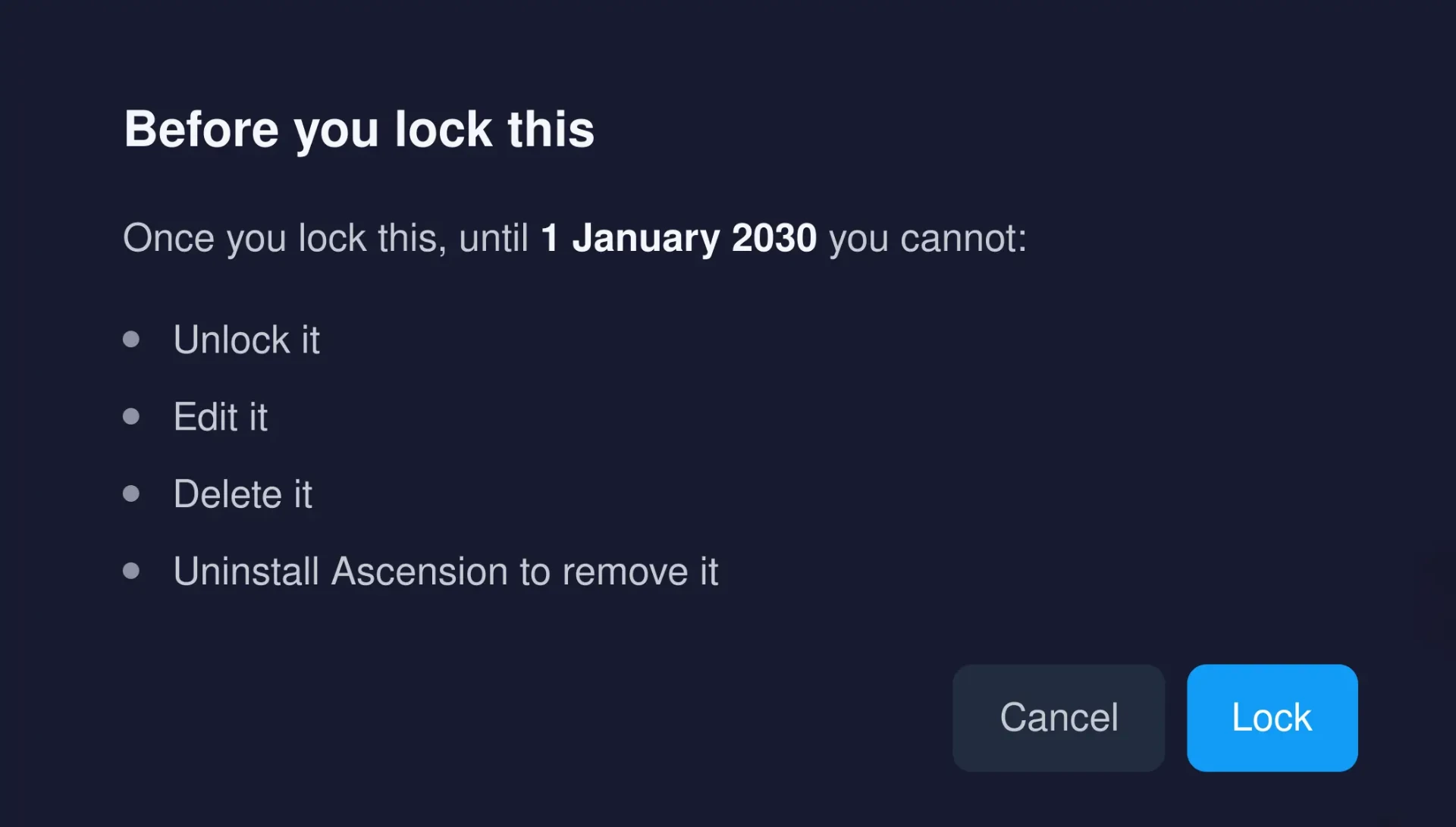
Add a lock to the block so it cannot be removed. With the strongest locks active, Ascension can't be uninstalled.
Ascension tracks every app and website you use to give you analytics about your digital usage. Data is entirely private and never leaves your computer.
“Finally a blocker that is not easy to bypass. I regret not buying this sooner. It has improved my life drastically.”
“Great way to keep track of your screentime and to get your habits in order. I can highly recommend this extension!”
“Great app. The ability to block shorts helps me avoid wasting time.”

Block pornography, gambling and more in an instant.

Say goodbye to cheap dopamine and restore your attention.

For the individuals that want to be in the top 1 %.
Cancel anytime
Ascension is a powerful desktop application designed to improve digital habits and productivity. It blocks distracting content on the web and tracks your digital usage automatically to give insights on how one can improve.
Ascension offers strong enforcement of blocks and extensive analytics that give deep insights into your digital usage. All usage is collected automatically on your device and never leaves it, with full privacy. Ascension offers uninstall protection and protection against unsupported browsers, so it is hard to bypass. On the analytics layer, Ascension offers automated reports, goal tracking and data simulation, so you can see how your usage would look if you had blocked your distractions.
Ascension blocks distracting content across the web: entire websites, URLs, keywords and search terms. You can set permanent blocks, scheduled blocks, time limits and entry delays. Blocks can be locked so they can't be edited or deleted.
Windows and Mac, with an iOS version in development. The browser extension works with Chrome, Safari, Firefox, Edge, Brave, Opera and Vivaldi.
No. Everything stays on your computer. Your browsing and usage data is stored locally and never leaves your device.
$12.99 per month, or $99 once for a lifetime license. Reduced pricing is available for students and for anyone facing financial hardship or disability.
Yes. Every monthly plan starts with a free 15 day trial. Cancel before the trial ends and you are not charged. After the trial it continues at $12.99 per month.