Features
Automated screentime tracker
Ascension works in the background to record exactly how you spend your time. See what apps and domains you spend the most time on, down to the minute.
Analyze any time range
Intraday, Weekly, Monthly. Select any custom date range to see exactly what you spent your time on.
Custom Categories
Group your apps and domains into categories that make sense to you. Work, Social, Gaming, Research.
Filtering
Display only your work apps to see how productive your day really was. Or exclude YouTube and social media to see what your day could have been like.
Impact Points
Not all screentime is equal. Some spike your dopamine more than others. 30 minutes of coding should not equal 30 minutes of NSFW Content.
Blocking
We all know we shouldn't succumb to distractions. Yet we continue to do. Blocking removes the ability to enact on temptation.
Block Domains
Add Youtube.com to the block and the entire website will be inaccessible.
Block URL
Add youtube.com/shorts and only Shorts will be blocked. The rest of YouTube still works.
Block Search Phrases
Add a searchword such as "NSFW" and any search containing it blocks the page.
Block Keywords
Add a word like "porn" and if it appears anywhere on the page, the page is blocked.
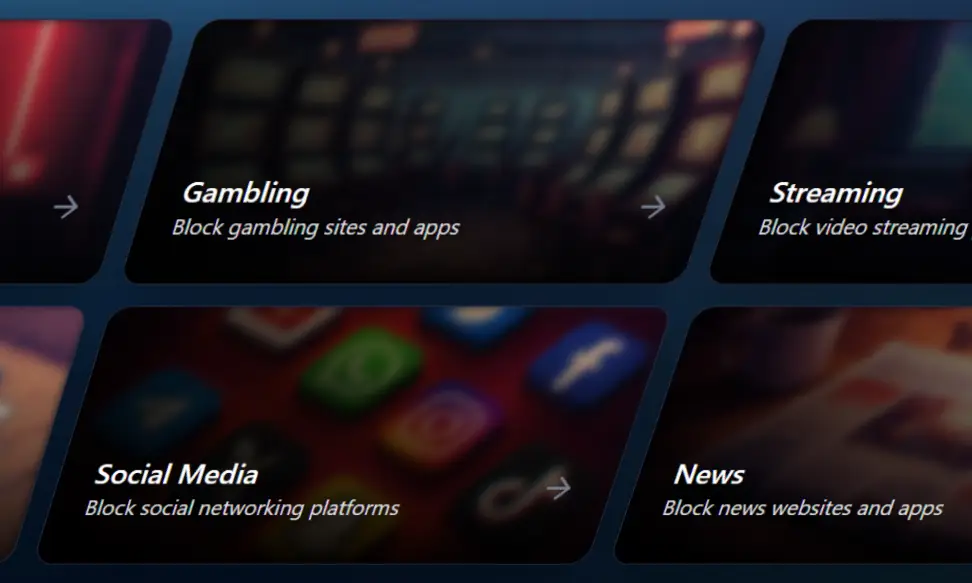
Premade Templates
Don't start from scratch. Apply a ready-made block for social media, gaming, NSFW, or other categories with one click. Our NSFW template alone removes ~97% of porn from the web.
How can you block them?
Permanent Block
Block something that under no circumstance should be seen.
Scheduled Block
Restrict something based on a schedule. (Netflix only on weekends.)
Time Limit
Set a maximum time allowed per day. (YouTube, 1 hour.)
Entry Delay
Set a wait time before access is granted. (1 minute wait before website loads.)
Locks
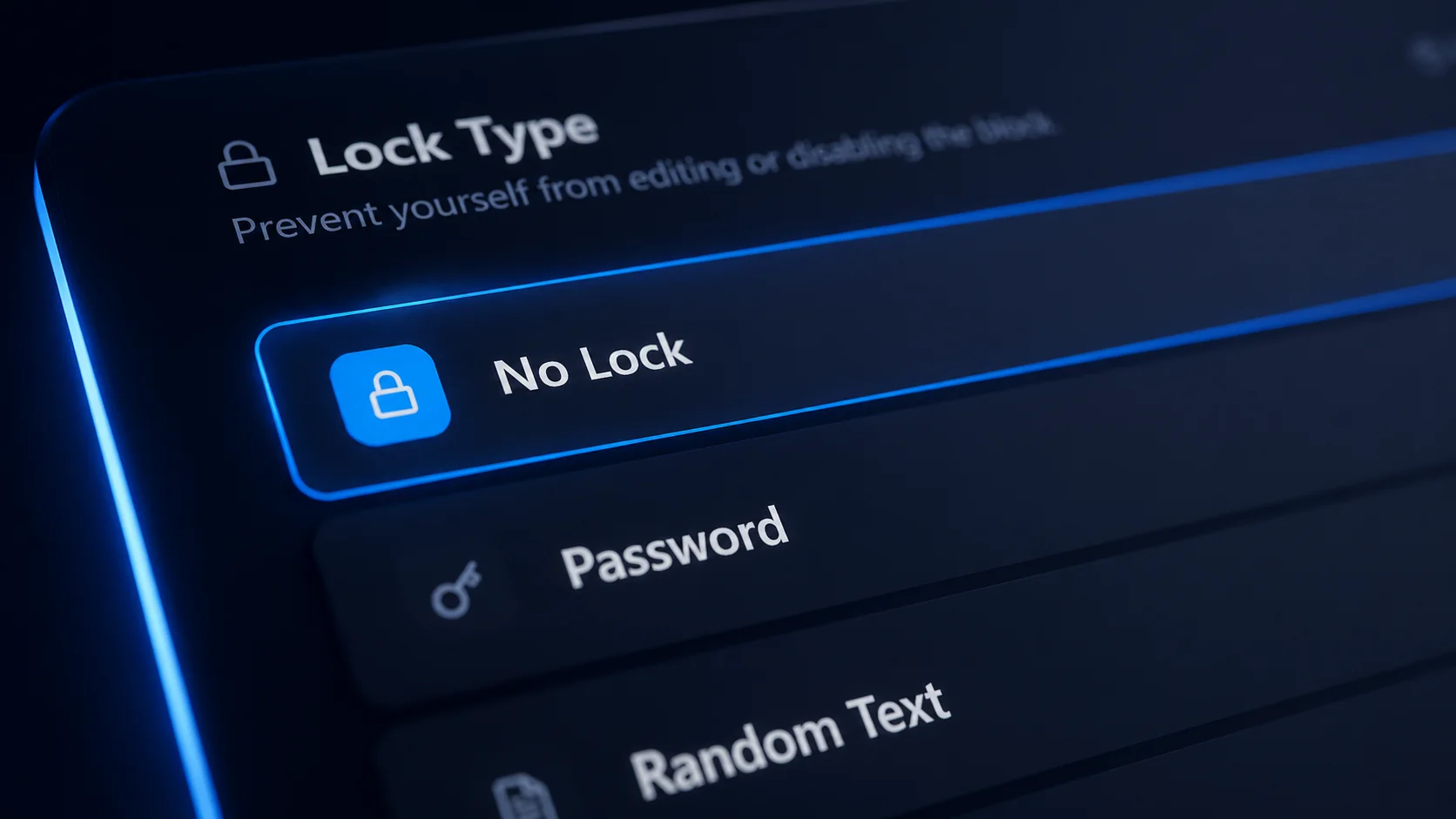
To stop yourself from bypassing the block, enable a lock. This prevents any attempt to disable or remove the blocker. Ascension offers five different ways to lock a block.
Password
Set a password. Recommended for parents, or for friends holding each other accountable.
Random Text
Type a random string of text word by word to unlock.
Countdown
Set a timer (e.g. 30 minutes) before the block can be unlocked.
Date Lock
Lock the block until a specific date.
Time-range Lock
Only allow unlocking inside certain windows (e.g. after 7pm on weekdays).
Time Tracker
Start a timer when you sit down to work or study. Use a countdown, stopwatch, or Pomodoro. Your session gets logged so you can see exactly how much time you put in and what you spent it on.
Stopwatch
Open-ended sessions for when you don't know how long you'll go.
Countdown
Fixed-duration timers for hard stops.
Pomodoro
Configurable work and break cycles. Set the durations, decide whether breaks and next cycles auto-start.
Session History
Browse every session you've ever run with the full report attached — duration, what you worked on, when.
Weekly & Monthly reports
Get automated reports of your computer usage.
Hours & Impact Points per day
See your total time and Impact Points broken down day by day.
Detailed View
Which apps and domains you spent time on, ranked and categorized.
Goals Status
Did you succeed or fail? See your wins and misses at a glance.
Goals
Set goals and track them. Daily, weekly, or monthly.
Limit Goals
Cap your time on something destructive. (Less than 1 hour of social media per day.)
Target Goals
Reach a minimum on something productive. (At least 4 hours of deep work per week.)
Historical Performance
See your pass/fail history of your goals.
Mountain Laboratory
What would happen to your overall statistics if you quit bingewatching netflix? Mountain Laboratory simulates an "if situation", reflecting what would have happened if your habits were different or a block was enforced.